¶ Formula editor
Formulas are codes with a syntax similar to Pascal. Their resulting value can affect the working of a feature or the whole program.
Formulas can have solutions with which they can return in the following form: Result:='example_text'
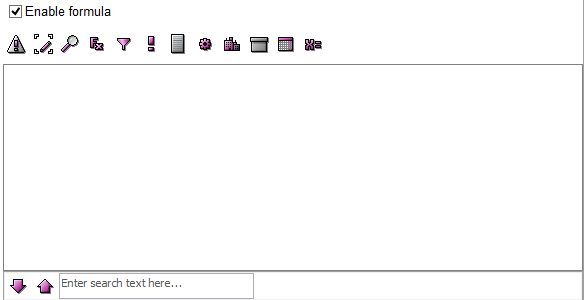
¶ The following buttons can help you to edit your formulas:
 - This button verifies whether the syntax of your code is correct.
 - By pushing this button you can maximize your formula window.
 - With the help of this small magnifying glass, you can reach the entry list.
 - By clicking on this button, you can reach the complete list of the built-in functions.
 - If you want to use the filter formula, click on this button and select or create a filter.
 - If you want to add a reason to your code, click on this button.
 - By clicking on this button, it will give you the ID of a list item.
 - This button helps you to use colors in your script. Your chosen color will be added to your formula in the form of a number.
 - By clicking on this button, you can add an object to your formula.
 - If you want to add a product to your algorithm, click on this button.
 - This calendar shaped button helps you to add a specific time to your formula.
 - If you want to add a variable to your code, click on this button.