Select Filter Dialog
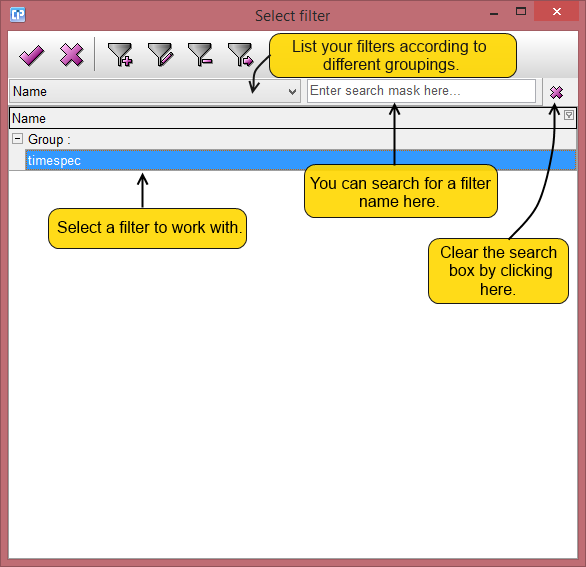
 - This button becomes active if you select a filter from the list. By clicking on this button, the dialog closes and the filter name will appear in your formula.
 - If you click on this button, the dialog will close and no filter name will appear in your formula even if you have selected one.
 - By clicking on this button you can create a new filter.
 - To activate this button, select a filter from the list. This button helps you to edit one of your existing filters.
 - By clicking on this button, you can delete an existing filter. You can use the button only if you select a filter from your list.
 - The button gets activated only when you select a filter from your list. By using this button, you can duplicate one of your existing filters. The filter will appear under the following name: the name of the initial filter_copy.