Lists Dialog
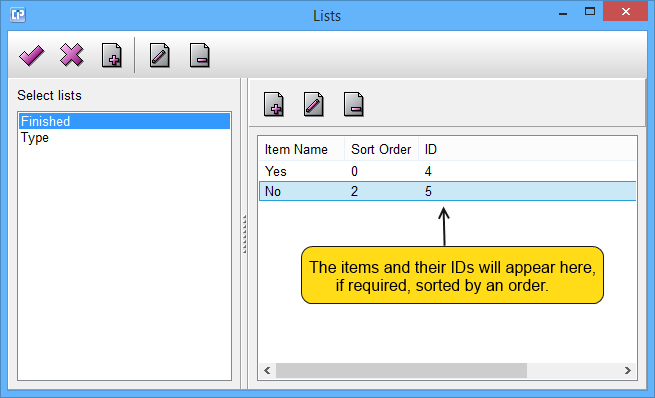
As you can see on the screenshot from above, you can modify your lists and their items as well:
modifying lists:
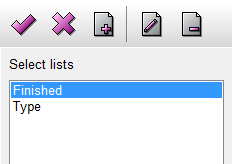
 - By clicking on this button, all your changes will be saved and the Lists Dialog will close.
 - By clicking on this button, the dialog will close without saving any of your changes.
 - You can create a new list by clicking on this button.
 - By clicking on this button, you can edit your selected list.
 - You can delete a selected list if you click on this button. By clicking on it, a Confirmation Dialog will appear on your screen.
modifying items:
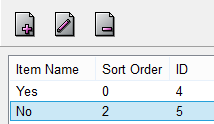
- - By clicking on this button, you can add a new item to your list.
- - If you click on this button, you can edit a selected item.
- - You can remove a selected item if you click on this button. By clicking on it, a Confirmation Dialog will appear on your screen.