Select Function Dialog
By selecting a function, you can add it and use it in your code.
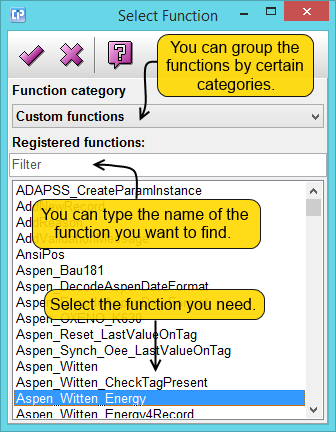
- By clicking on the
 button, the selected function will appear in your formula. The window with the list of functions will close. (You can also do this procedure by double-clicking on the chosen function.)
- The
 button closes the window without inserting your selected function into the formula.
- By clicking on the
 button, you can receive the respective help file of the selected function.