¶ SQL formula
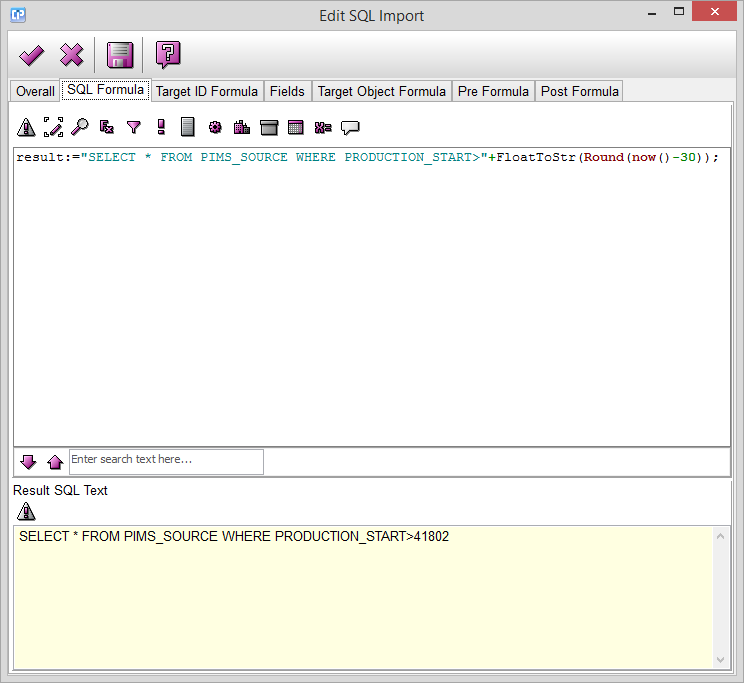
On this page you have to set the SQL formula. The result of this formula
has to be a string. This string should produce a dataset when it is
executed on a database server. This dataset is the source of the copying.
For an easier way to create your formulas, do not forget to use the formula editor.
It is also possible to check the syntax with the help of the  button above the coding panel.
If necessary, one can use parameters that can be passed from the Update Service.
They can be accessed by the variables Argument_1, Argument_2, … etc.
The purpose of the script is now to compile the SQL statement and store it (as a string)
in the variable Result.
One can preview this string at any time using the button below the coding panel.