¶ ComboBox
With the help of the comboboxes we have the opportunity to add two types of entries (select list and object
reference) to DBForm components.
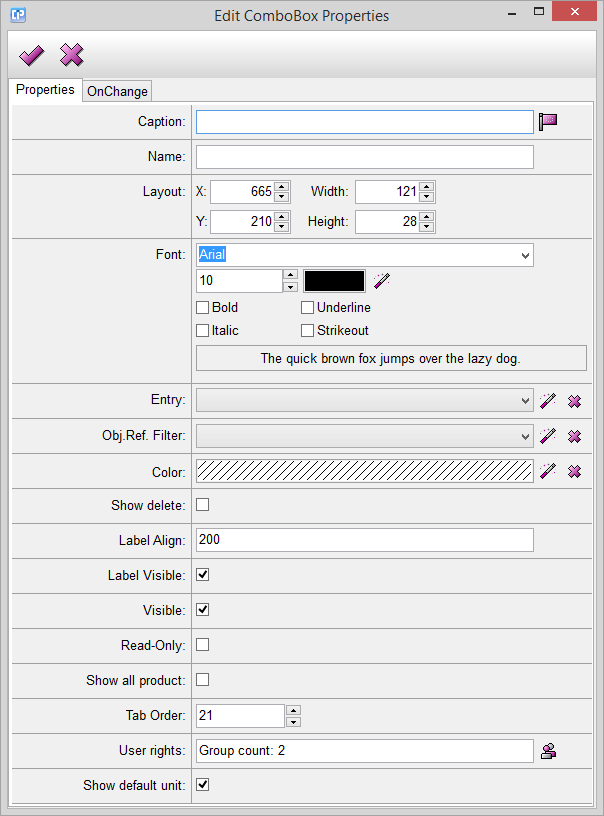
Caption: This feature enables you to add a text to the label of your combobox.
With the help of the  button you can open the Localization window.
Name: This feature helps you to give a name to your combobox. The name will not be visible on the component.
Layout: The numbers near X and Y help you to adjust the exact coordinates of placing your combobox.
The Width and Height options refer to the length of the sides of your combobox. The height given is constant,
you cannot change it.
Font: With the help of this feature you can adjust the font of the caption. You can change the font type,
size, color and style.
Entry: You can add two types of entries to your editbox. Click on the  button and choose one from your
entry list. Cancel your modification with the help of the  button.
Object Reference Filter: With this feature you can add a filter which filters your reference object.
Use the button to select a filter. Cancel your modification with the help of the button.