¶ Statistics
Statistics can be necessary for analyzing and representing data.
They are similar to custom calculations only that they are capable to execute more complicated calculations.
With the help of the statistics feature we can calculate data from row to row, and thus we can draw in
more entries to the calculations.
When creating custom statistics, we cannot use aggregations.
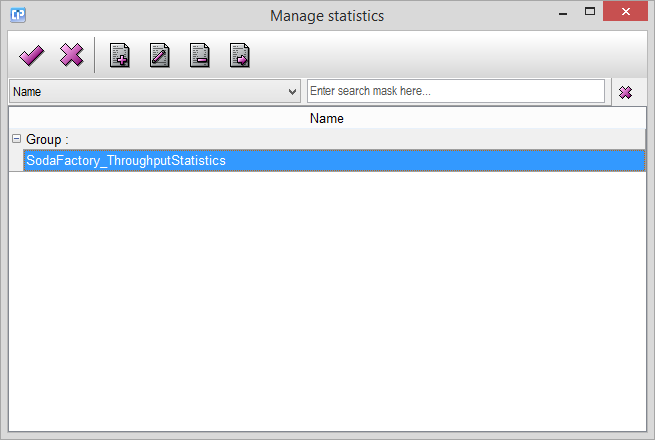
With the help of the  and
 buttons, you can create a new statistic or edit a previously selected one.
Duplicate one of your selected statistics with the help of the  or delete it with the
 button.
As you can see on the screenshot below, you have the following tabs for building up or editing one.
Under the General Tab, you have to define the:
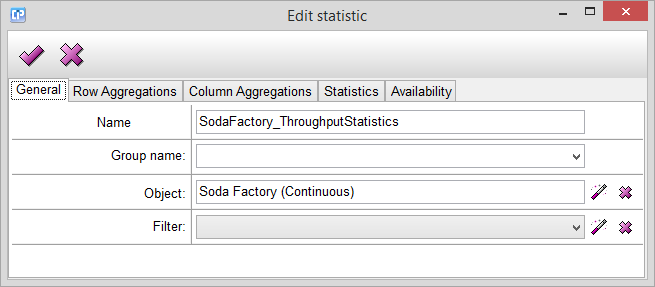
- Name - Give a name to your statistic.
- Group name - You have the possibility to group your existing statistics.
- Object - With the help of the
 select a source object from which you want your data to be drawn.
- Filter - If necessary, filter your object for a more precise selection of data.
If necessary, select an entry for row and/ or column aggregations:
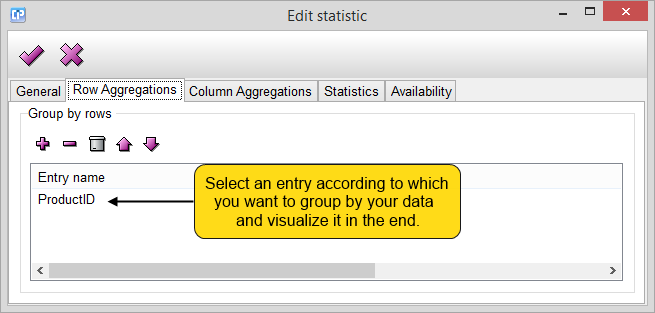
Use the  button to add a new entry with the opening of the Select Entries dialog.
To delete a previously selected entry, click on the  , to delete all entries at once, use the
 button.
Move your selection between the entries with the  and
 arrows.
Under the Statistics Tab you can define statistical calculations and the entries you want to use throughout your
calculations.
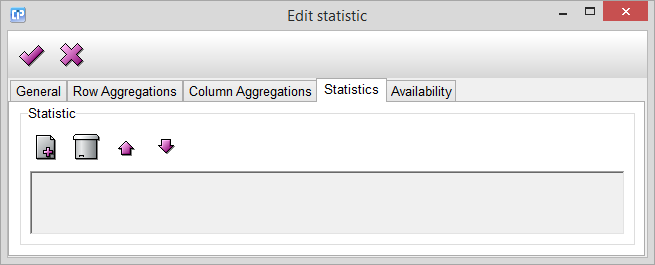
With the help of the  button, you can add two types of items to the statistical calculations:
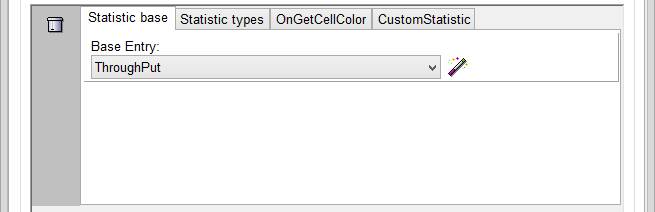
1. entry based item
In the Statistic base we select the base entry from which we want to calculate the statistical values.
2. formula based item
3. features available for both cases
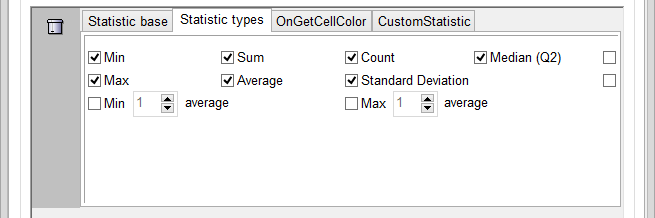
In the Statistic types, you have the possibility to mark the those types for which you want to calculate a value:
- Min - the smallest value
- Max - the highest value
- Min x average - the first x smallest values
- Sum - the summary of the values
- Average
- Standard Deviation - the average of how values differ from the average
- Max x average - the last x highest values
- Median - the middle value within the list of values
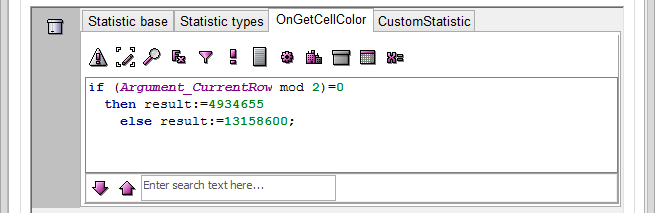
With the help of the OnGetCellColor Tab, you can create a formula to define the color of your cells, containing your
statistical data.
To ease this process, use the formula editor.
Formula reference: CustomStatistic, OnGetCellColor, PreFormula, PostFormula.
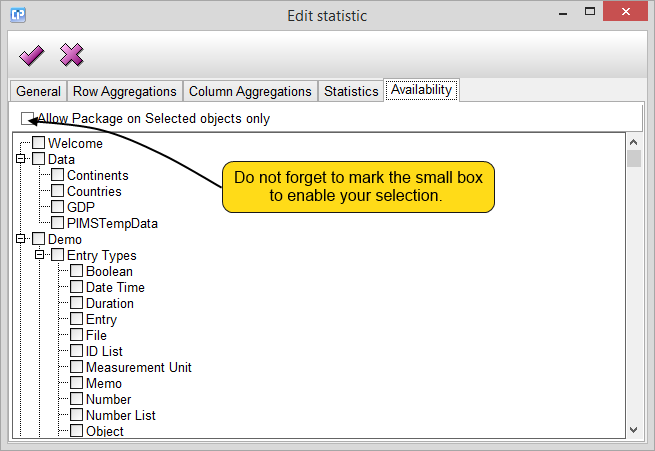
At the Availability Tab, by marking the small boxes near the objects, you can limit the number of objects on which
our statistical calculations can be brought up and thus activated.