Bar Color Tab
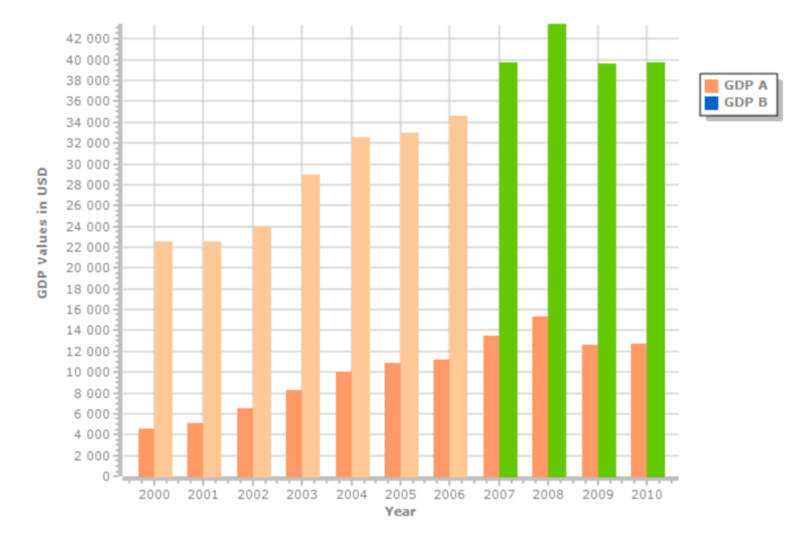
You can change the color of the bars by creating a formula. Use the formula editor to ease the process.
Formula contract. The formula runs for each bar in the current record context. Its Result is used as a Delphi TColor value. A NULL result uses the default color of the series.
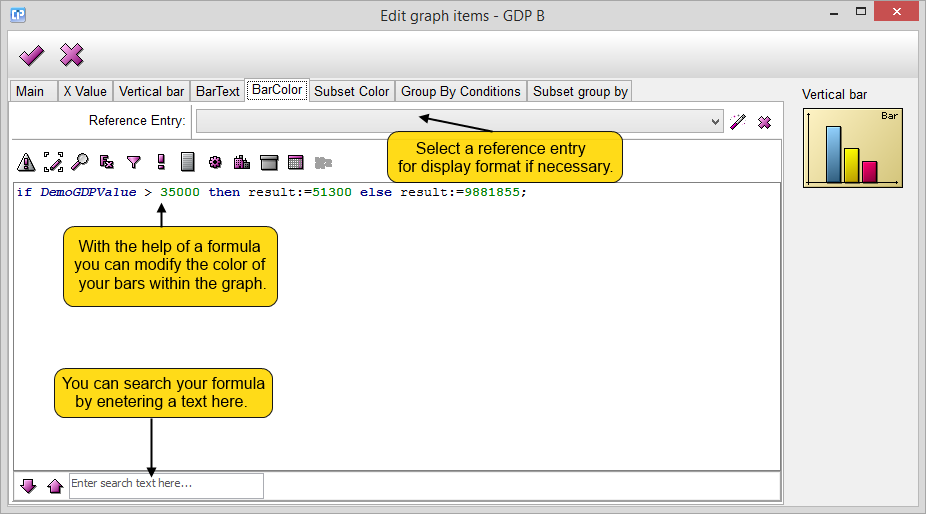
 - With the OK button, you can save your changes and close your window.
 - The Cancel button closes your current window without saving any of your changes.
- The
 button can help you to browse a reference entry, while with the help of the
 button you can cancel your selection.
- If you search your formula you can move between the search results with the help of the
 and
 buttons.
As you can see on the screenshot below, with the help of the formula from above, you can change the color of your bars.