Main Tab
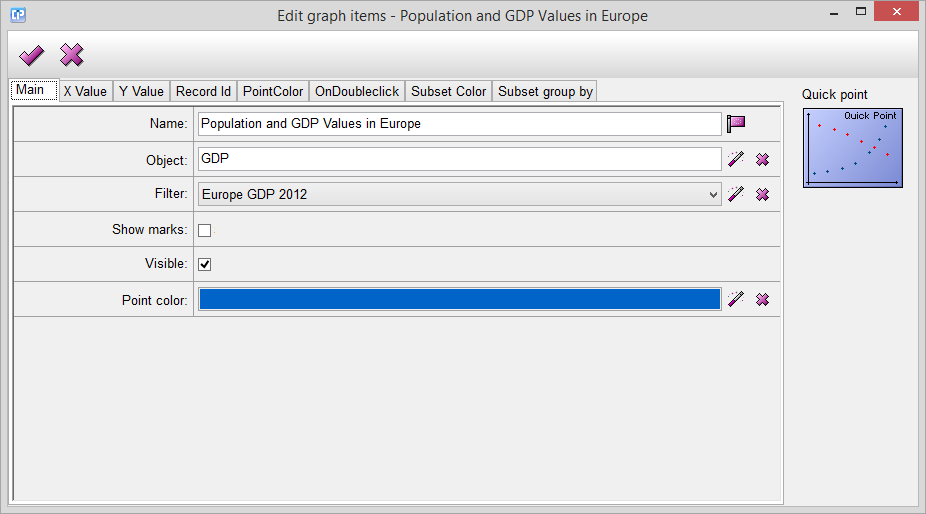
Name - The name of your graph item, you cannot leave it empty.
Object - By clicking on the  button, the Select Object Dialog will appear. From here, you can select the object from which you want to import your data to the graph.
Filter - By clicking on the button, the Select Filter Dialog will appear. From here, you can choose or create a filter which is going to filter your data from your selected object.
Show marks - If you enable this feature, the values will appear near the points as well.
Visible - If you do not mark this feature, your graph will be invisible.
Point color - With the help of this feature, you can adjust the point color which will appear on your graph. By clicking on the button, the Color Dialog will appear with the help of which you can choose your desired color.