On Get Row Label Tab
With the help of the formula editor, you can edit the labels of your rows.
The change will be visible on your Y axis.
Formula contract. The formula runs once for each Power Gantt row. Argument_RowNr is the zero-based row index. Its Result becomes the row label; a NULL result displays an empty label. Without a valid formula, the related target object name is used as the label.
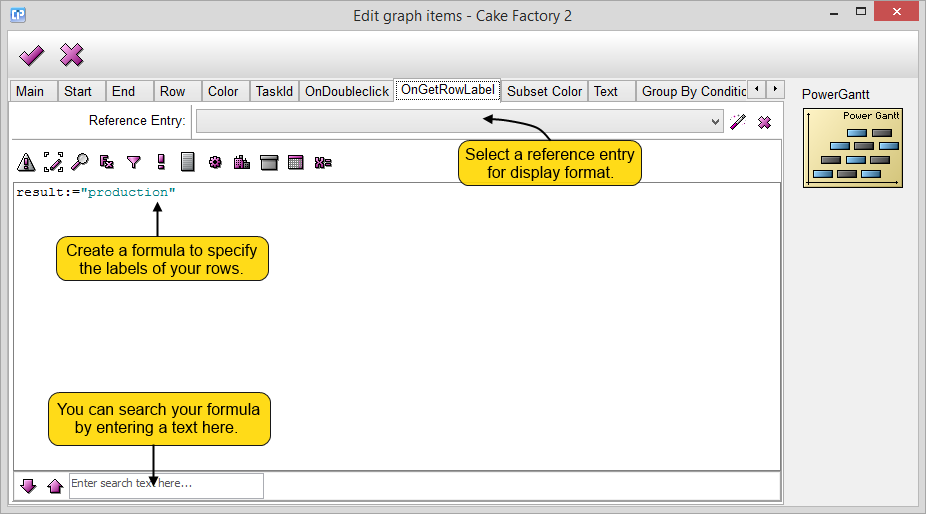
 - With the OK button, you can save your changes and close your window.
 - The Cancel button closes your current window without saving any of your changes.
- The
 button can help you to browse a reference entry, while with the help of the
 button you can cancel your selection.
- If you search your formula you can move between the search results with the help of the
 and
 buttons.