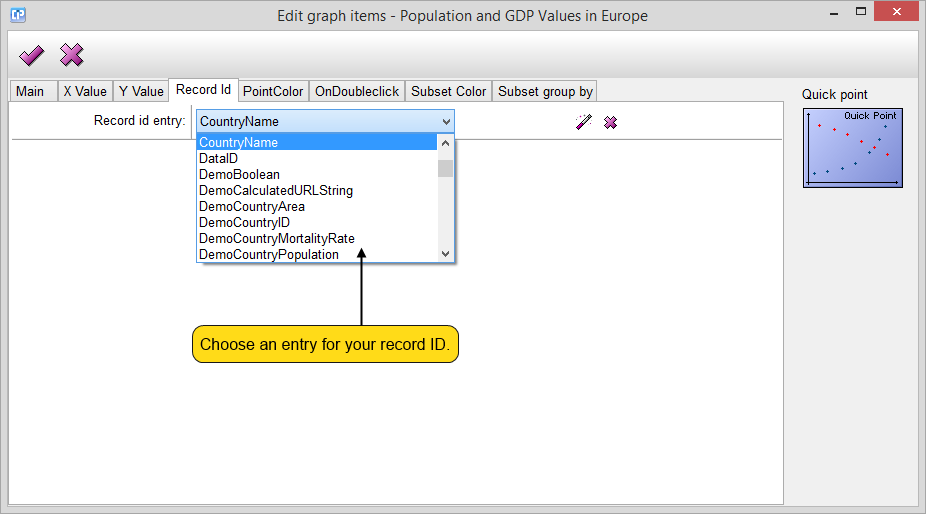
Record ID Tab
This tab enables you to define individual values which can be visualized after your graph is drawn.
A double click on the chosen point will show the desired value in a new window.
To activate this feature, use the On Double Click tab.
For an easier way to create your formula, use the formula editor.
As you can see on the screenshot below, with a double click on a country denoted by a point within the graph, the assigned GDP value will be shown in a separate window.
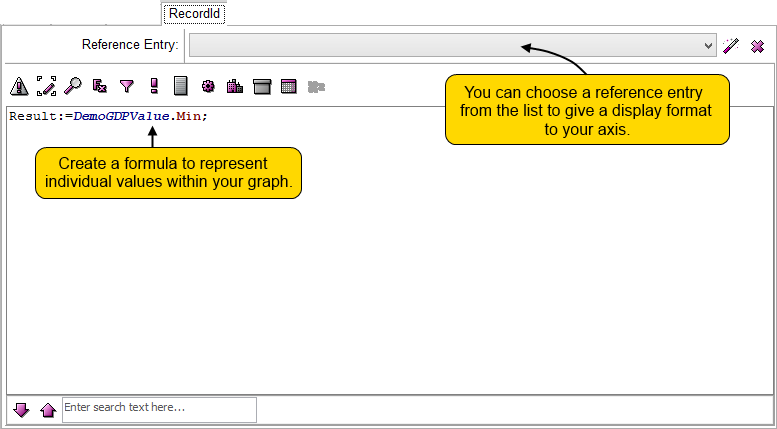
In the case of the quick point graph, you have to select an entry without any formula or calculation for your record ID.