¶ Manage Documents
By using this feature, you can add external documents and then you can reach them from the Documents menu.
These files are not stored in the cockpit but remain in their initial place. The files can be relative to the cockpit.
If the Manage Documents dialog opens, you have the following possibilities:
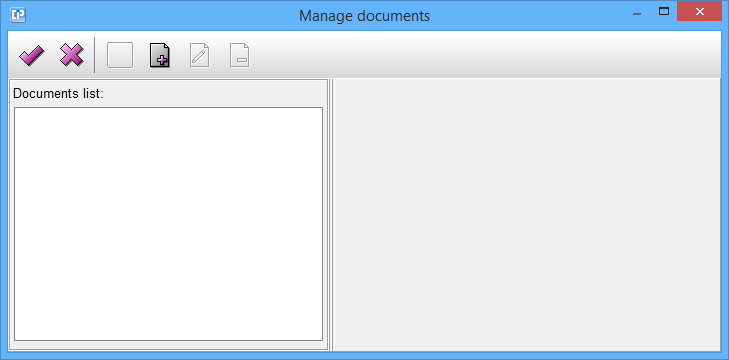
- If you click on the
 button, the dialog will close.
- If you click on the
 button, the dialog will close.
- If you want to add a new file to your list, click on the
 button.
If you decide to add a new file to your list:
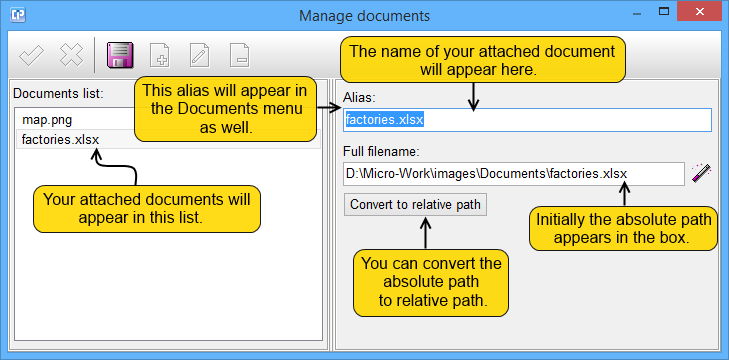
- If you want to save the changes you have made to your Documents list, click on the
 button.
- By clicking on the
 button, an Open dialog will appear where you can select your file.
If you have added files to your list:
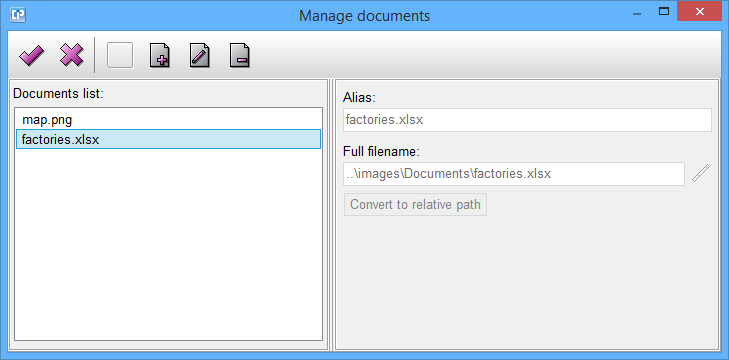
- If you click on the button, the dialog will close and your changes will be saved.
- If you click on the button, the dialog will close.
- If you want to add a new file to your list, click on the button.
- By clicking on the
 button, you can change the properties of your selected file from the list. If you want to save the changes you have made, click on the button.
- With the help of the
 button, you can delete any selected file from your list.