¶ Custom Colors tab
The Custom Colors tab has got two further tabs, each shown in two different screenshots.
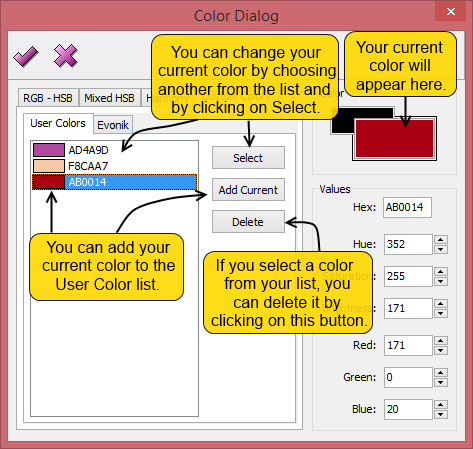
User colors:
This list of colors is created by the user and it provides an easy access to frequently used colors.
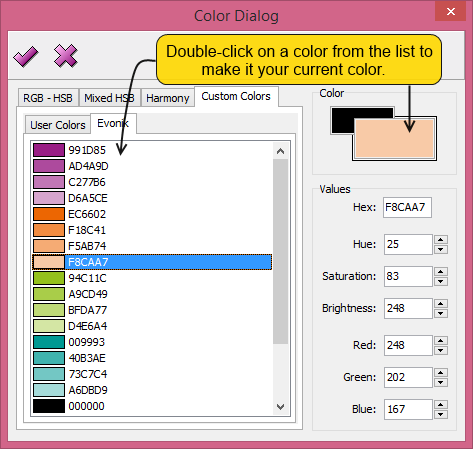
Evonik:
This list of colors is pre-given and shows the color palette of the Evonik.
 - By clicking on this button, the dialog will close and the numeral code of your chosen color will be added to your formula.
 - If you click on this button, the window will close without any change made to your algorithm.