¶ Event Based Transformation
In this example we are going to illustrate an object transformation by summing up the amount of the products of a Soda Factory within a day.
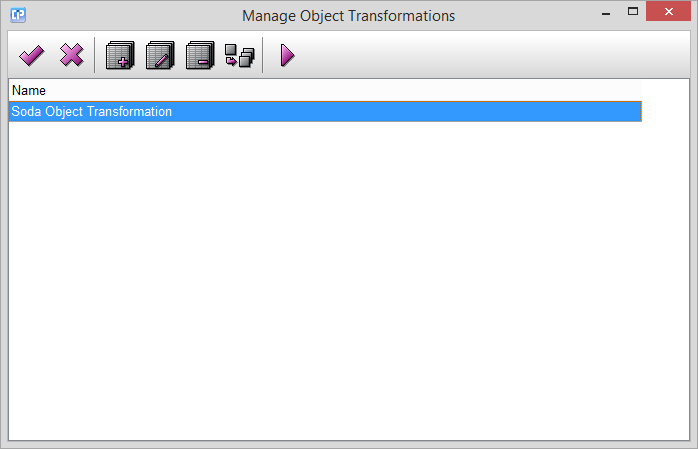
When you open the object transformation feature, the Manage Object Transformations window is going to show up
where we have created a new transformation and named it Soda Object Transformation:
- With the help of the
 and
 buttons you can save your changes and close the current window.
- Use the
 button to create a new transformation.
- Use the
 button to edit a previously selected transformation from your list.
- Use the
 button to delete a previously selected transformation from your list.
- Use the
 button to duplicate a previously selected transformation from your list.
- With the help of the
 button, you can activate your previously selected object transformation from your list.