¶ Event Based Transformation
In this example we are going to create new records only when the product changes in the source data stream.
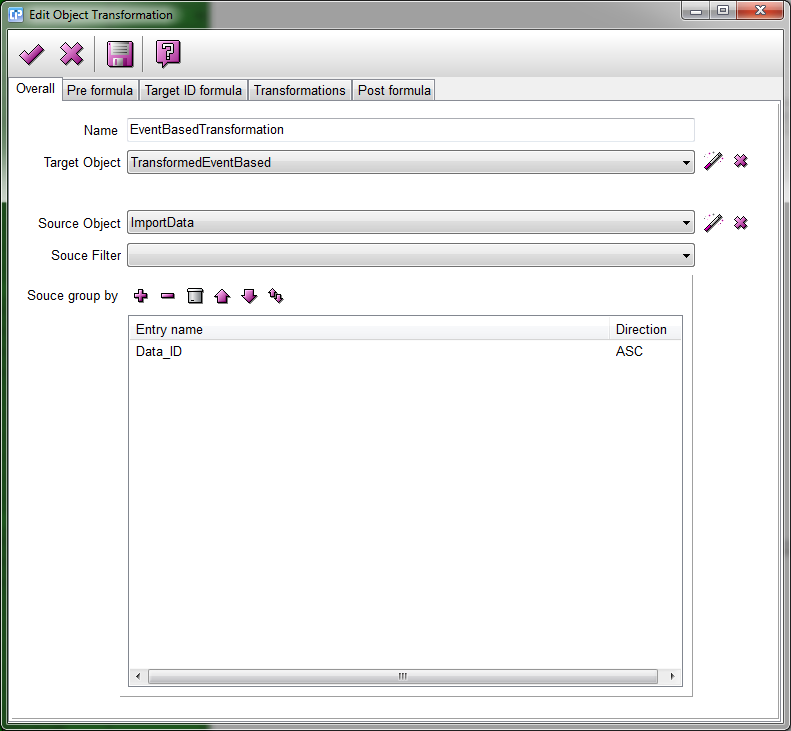
As you see on the screenshot below, we have selected the target object and the source object for the transformation.
We also selected a group by entry, but this step is optional.
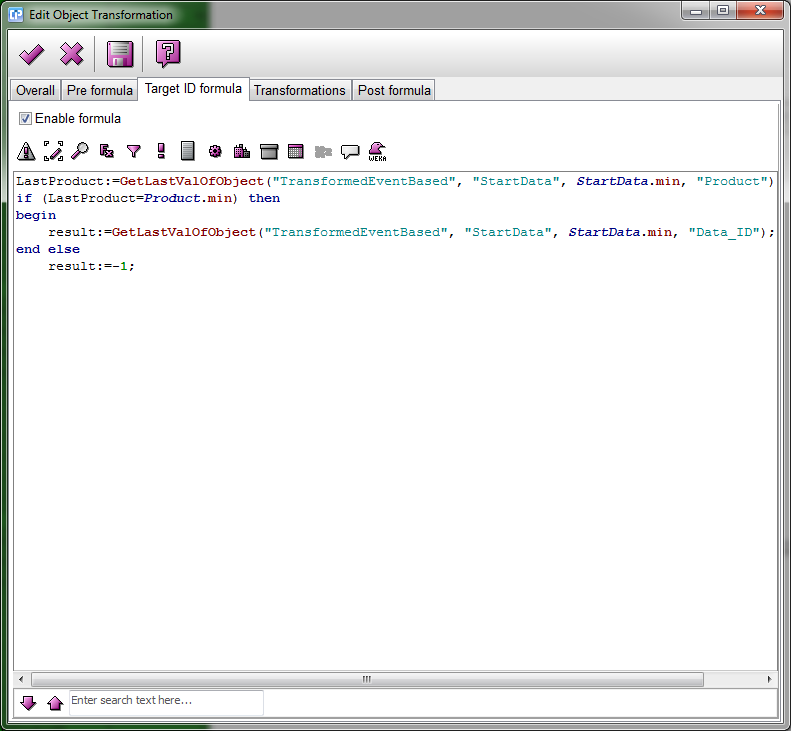
On the target ID formula page, we try to get the last inserted record by the GetLastValByEntryName.
If this record has the same product name, we can insert it into that record, else we have to create a new record.
We can simply insert a new record returning with a -1 data ID.
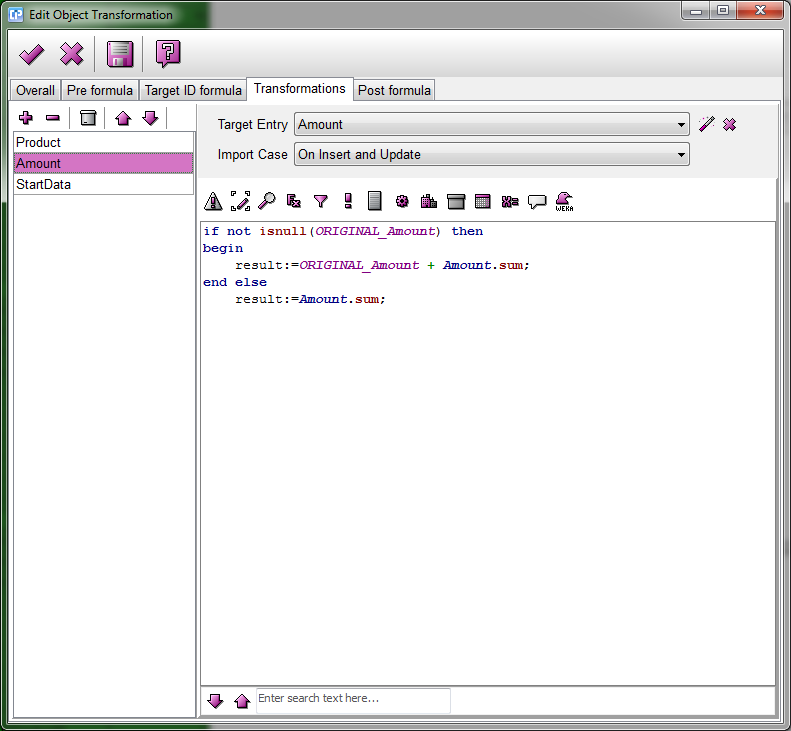
In the transformation we calculate the summary of the amount for the actual product, by
adding the current amount to the existing amount.