¶ Graph Packs
Graph Packs can help you to represent a part or parts of your data graphically.
When you click on the Graph Pack icon on the toolbar, the following window will appear on your screen:
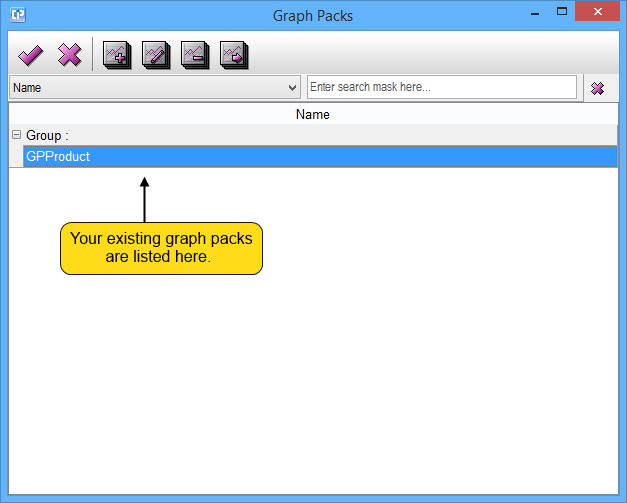
Toolbar of the Graph Packs window:

 - With the help of this button you can save your changes and close the window.
 - With the help of this button your window will close without saving any changes you have made.
 - You can create a new graph pack if you click on this button.
 - This button enables you to edit a selected graph pack from your list.
 - After selecting a graph pack from your list, you can delete it by using this button.
 - By clicking on this button, you can duplicate a selected graph pack from your list.