¶ Edit Graph Package - Series Tab
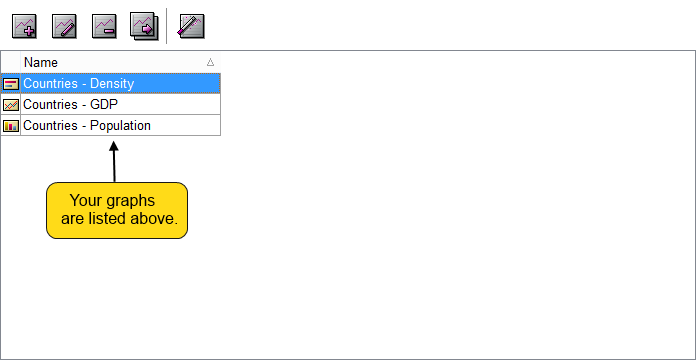
 - By using this button, we can add a new serie to our graph pack.
 - With the help of this button, you can make modifications on your selected serie.
 - This button deletes your selected serie.
 - With the help of this button, you can duplicate your selected serie.
 - If you click on the import object calculation wizard button, the Select Object Dialog will appear where you can select an object from which you can import data to your graph.
If the series are left empty, then automatically, the data from the parent object will be used. If this is empty as well, then the next parent in hierarchy will be used.